How I Replaced 10 SaaS Tools With AI Agents
Instead of paying $285/mo for 10+ SaaS tools, I built agents for email triage, drafts, SEO checks and deployments — running on a subscription I already used for development.
Editor's note (October 2026): this post is a snapshot from March, when the setup ran on OpenClaw. Parts of it never ran the way it describes: there is no record of the lead-gen, proposal or invoicing agents ever sending a lead, a proposal or an invoice. The system has since been rebuilt, leaner, around one orchestrator on Hermes — see the live setup at /stack.
Most “AI automation” content is someone connecting Zapier to ChatGPT and calling it a day. No shade — that works for some people. But when you're a developer launching a business, you face a choice: buy 10+ SaaS tools at $200-300/mo, or build something smarter.
I wanted Jarvis. Not the Marvel version — the version where I wake up and my AI has already triaged my inbox, checked my deployments, drafted a proposal for a new client, and reminded me that my SSL cert expires in 6 days.
So instead of buying a stack of SaaS subscriptions, I built a team of AI agents to do it all.
$285
Typical SaaS Cost Avoided/mo
$0
Marginal Cost
The Stack: OpenClaw + Specialized Agents
One orchestrator agent (Lurkr) that sits on top of specialized sub-agents. Each one has a lane:
- Forge — code, PRs, reviews, CI/CD
- Radar — lead gen, competitive research
- Muse — content creation
- Helm — infrastructure, deployments
- Beacon — SEO health, indexing
- Ledger — revenue, invoicing
- Bridge — email triage, drafts
- Scout — calendar, reminders
- ...and more, from video generation to backup verification.
The SaaS Tools I Never Had to Buy
Here's what running a solo dev business typically costs. I skipped all of it:
* Agent system runs on a subscription already used for daily work — zero marginal cost per agent.
Typical SaaS stack
$285/mo
My AI agent system
$0 extra*
* Runs on a subscription already in use for daily dev work
Here's the kicker: I already pay for a Claude subscription for daily development work. The agents run on that same subscription at zero marginal cost. So I avoided $285/mo in SaaS subscriptions with effectively $0 additional spend. Not every task needs the most powerful model — Opus runs the orchestrator, Sonnet handles most sub-agents, Haiku runs lightweight checks. All included.
The Architecture (Keep It Simple)
Each agent is a system prompt + relevant tools (API keys, scripts, file paths) + memory files (daily logs + long-term context). That's it. No vector databases required. No LangChain. No framework soup. I control everything through Telegram — one interface for morning briefings, deployment confirmations, draft proposals, revenue reports. No dashboards. No web UIs. Just my phone. When agents hit complex coding tasks, Claude Code runs on the same machine as the escape hatch for heavy-duty development work. The toolkit includes image/video generation (Gemini, ElevenLabs), Google Workspace, GitHub, Stripe, Notion, plus custom scripts for deployments, invoicing, and CRM.
System architecture — one box at home, a team of agents, zero Kubernetes
The 3-Tier Action Model
The thing that makes this actually useful instead of terrifying:
Reading files, running checks, updating logs.
Drafts an email, prepares a report.
Sending emails, deploying code, anything external.
An Illustrative Monday Morning
An illustration, not a log: this is how a Monday morning was designed to run with this setup, entirely through Telegram. The proposal step never sent a real proposal.
- 2 new emails (1 client inquiry, 1 spam)
- GitHub: 2 PRs ready for review, CI green across all repos
- Calendar: 2 meetings today, one has a conflict → suggested resolution
- RenFaire Directory: 3 new contact form submissions
The key here: every step happens in one Telegram thread. No switching apps. No logging into dashboards. No "let me check the CRM." Just a conversation with an AI that has access to everything and reports back in the same place.
Safety & Guardrails
“A team of AI agents with access to your business tools” sounds dangerous. Here's how it's not:

- Kill switch via Telegram — I can stop anything instantly from my phone. No SSH. No dashboard. Just one command.
- The 3-tier action model — Agents can't send emails, push code, or deploy without explicit approval. Everything goes through CONFIRM tier.
- Cost controls — Model tiering (Opus/Sonnet/Haiku), cron job timeouts, fallback to cheaper models on rate limits, monthly spend monitoring.
- Security boundaries — No auto-send on external actions, UFW firewall active, secrets protected in env vars, external content treated as untrusted, agents can't self-modify.
- Full audit trail — Daily memory files, morning briefing, failed jobs surface automatically, revenue and costs tracked.
I built this to be useful, not dangerous. The safeguards aren't afterthoughts — they're core design.
Lessons Learned
- Start with one agent, not a whole team. Build incrementally. Get email triage working, then expand.
- Memory is everything. Daily logs + long-term memory files make Lurkr actually useful across sessions.
- Don't over-automate sending. Draft everything, send nothing without approval. I learned this the hard way.
If you're a developer who runs a freelance business or small agency, the ROI is insane. Not just avoiding $200-300/mo in SaaS, but the time I used to spend on admin. If you're not technical? Wait a year. The tooling will get easier. But if you're curious, start with the stack I run and just get one automation working.
And yeah, that's a competitive advantage I plan to keep.
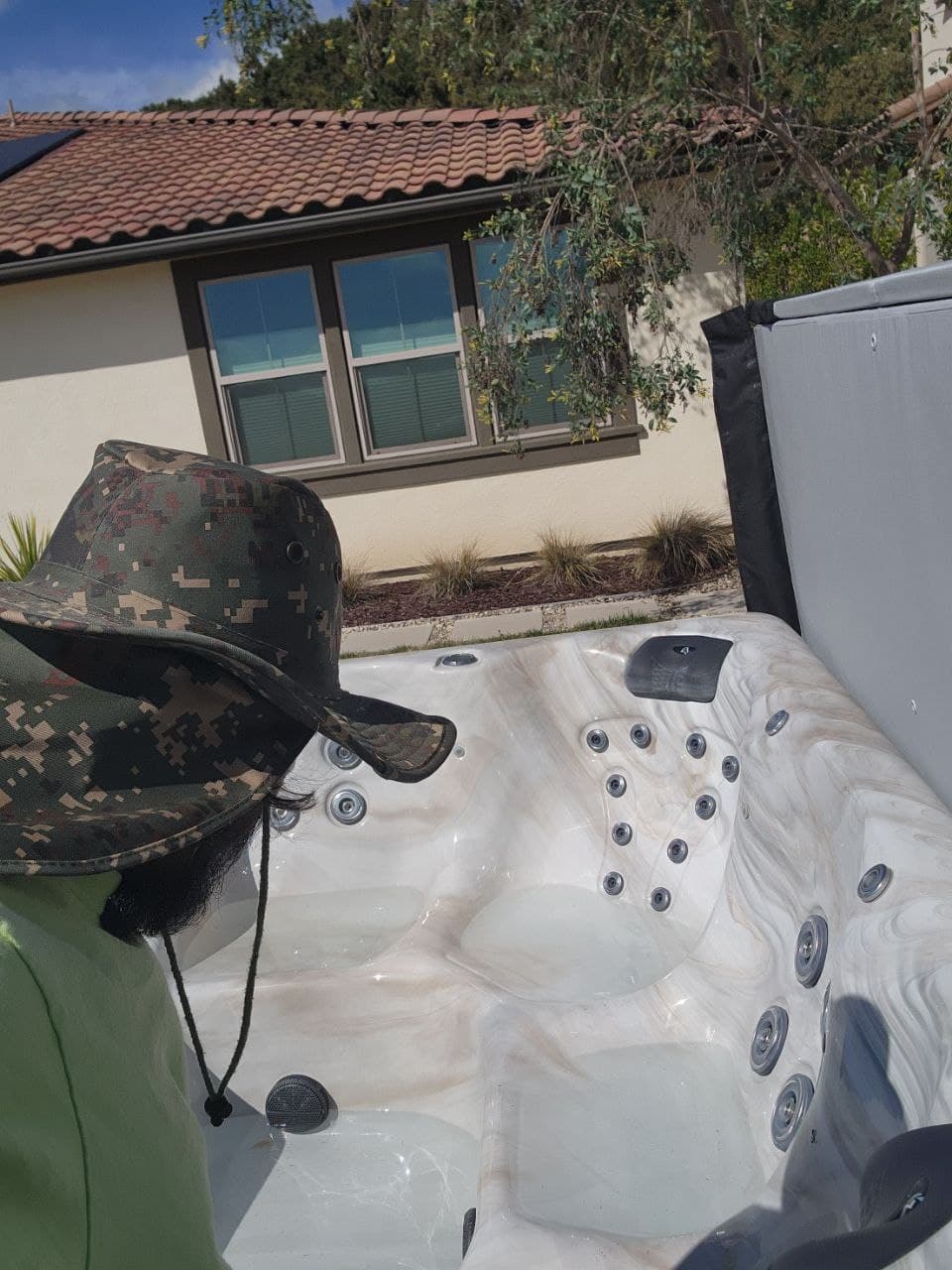
While my AI agents built this blog post, I was cleaning my hot tub in San Diego. That's the point.
Stop Renting Intelligence. Start Owning It.
I build private AI systems and agent architectures for businesses that want the same competitive edge. One setup. Your hardware. Your data. No monthly SaaS drain.